Inventory System Spatial
Create an immersive and customizable inventory experience with our Inventory System
- Supported Platforms
- Supported Engine Versions4.27, 5.0 - 5.3
- Download TypeComplete ProjectThis product contains a full Unreal Engine project folder, complete with Config files, Content files and .uproject file, which can be used as a template to create a new project.
Description
Reviews
Questions
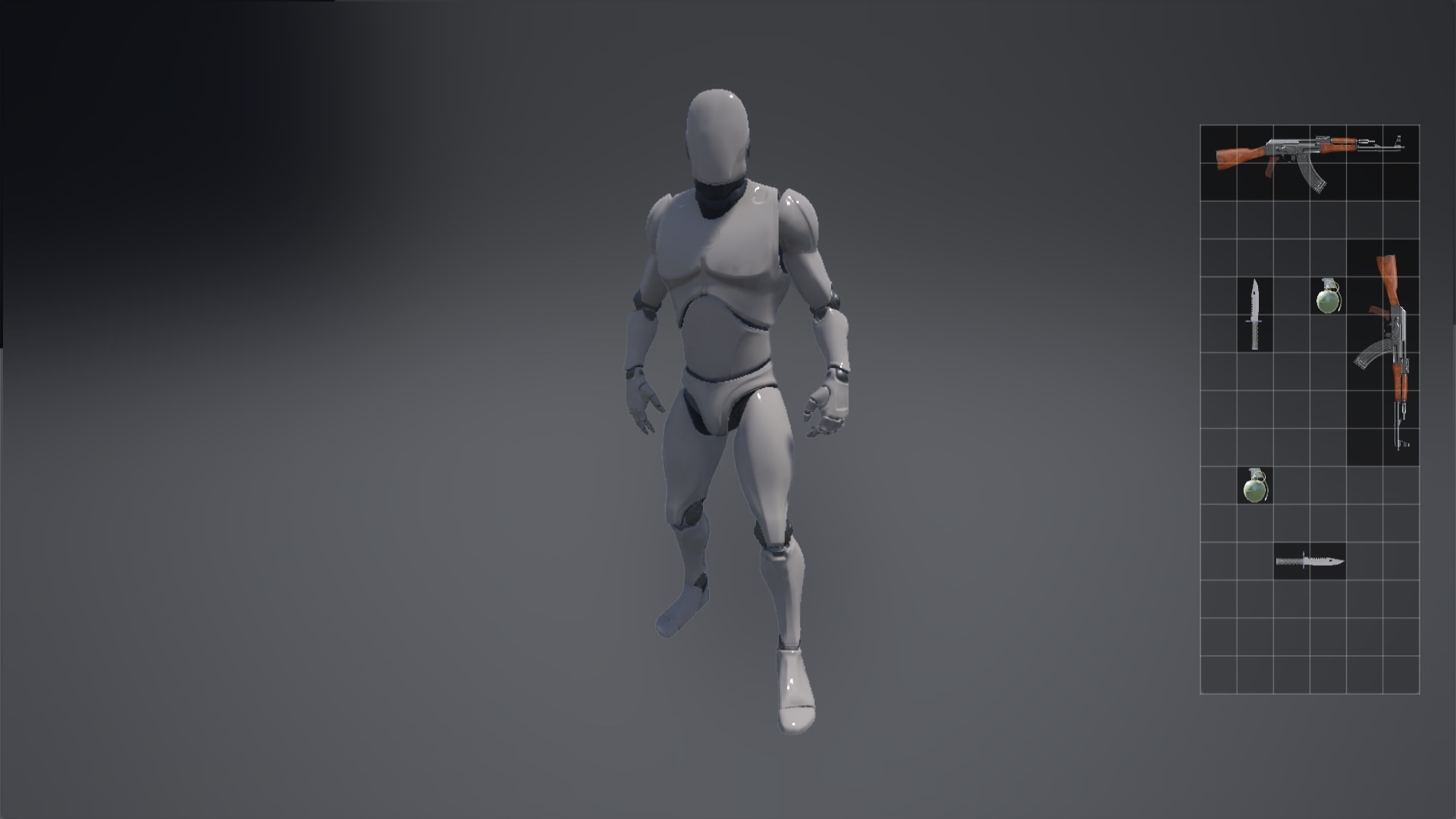
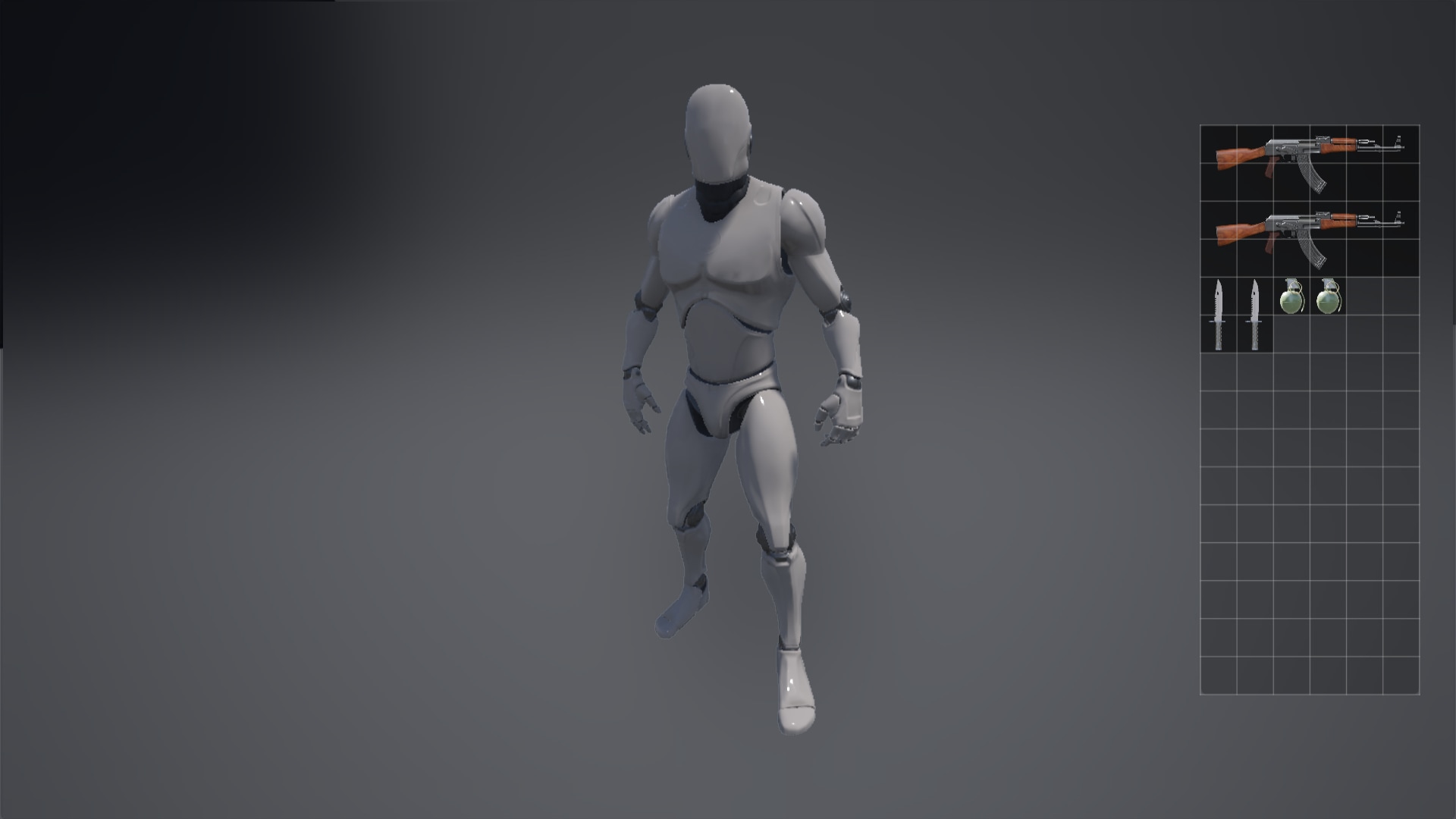
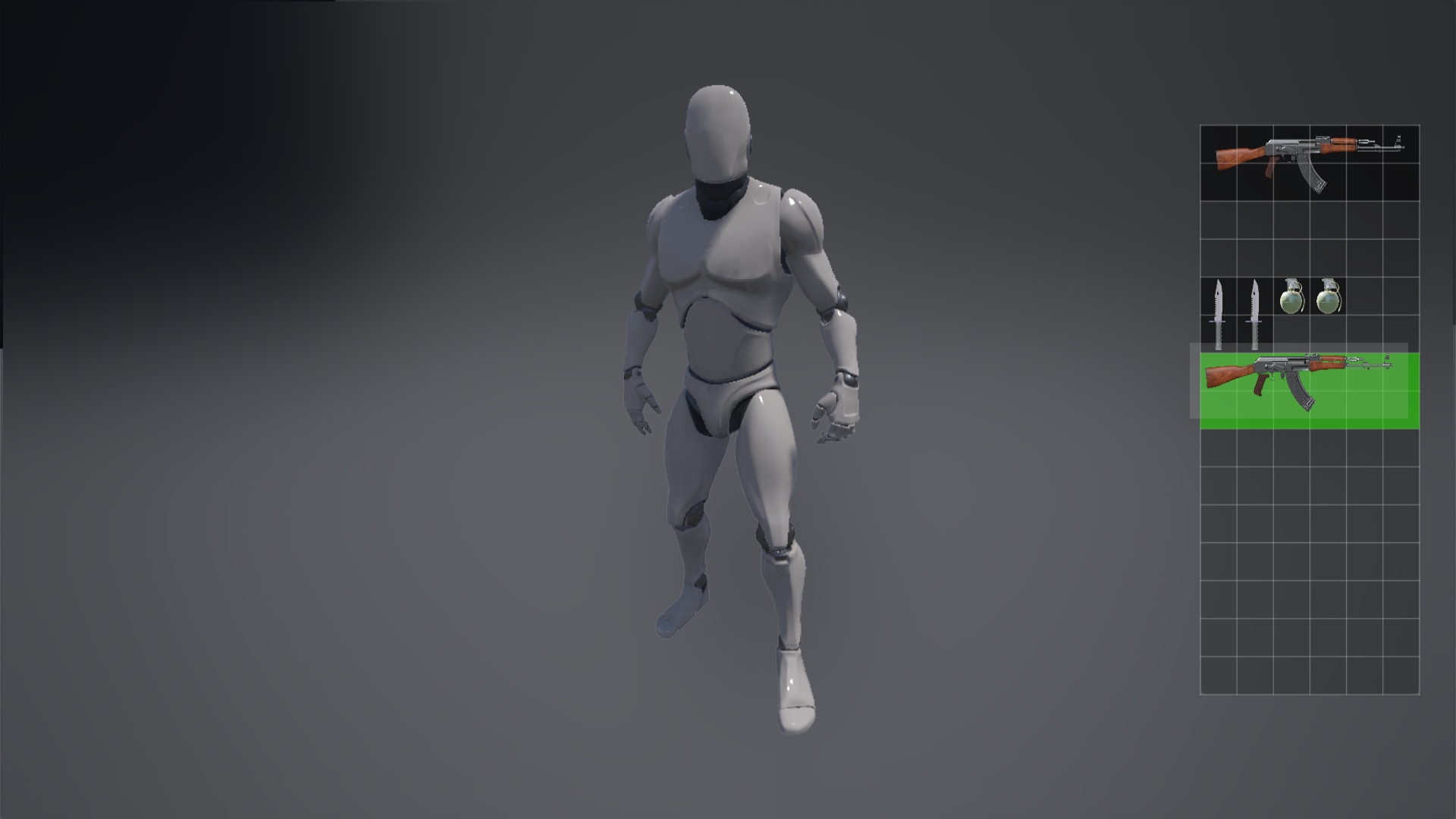
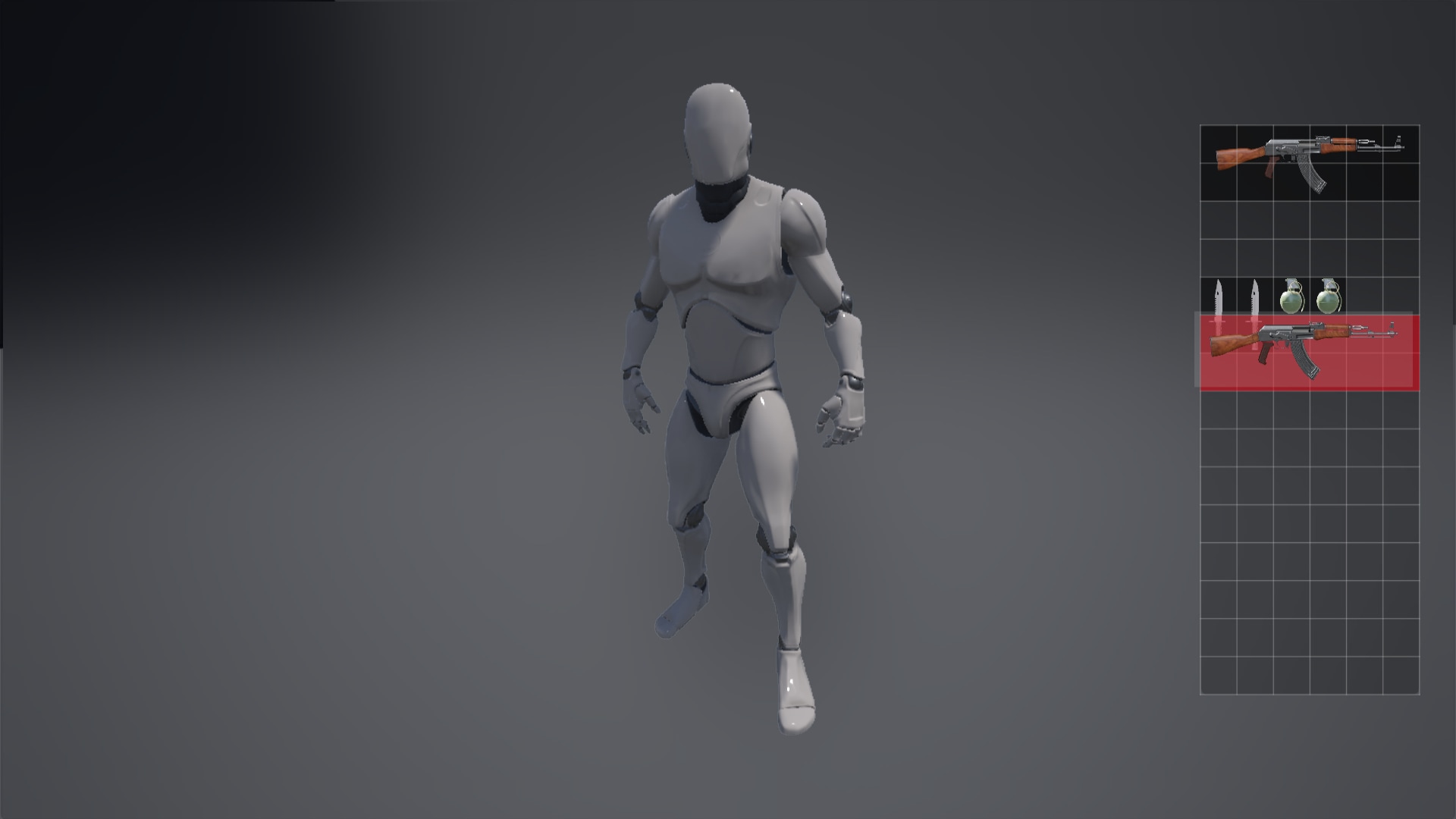
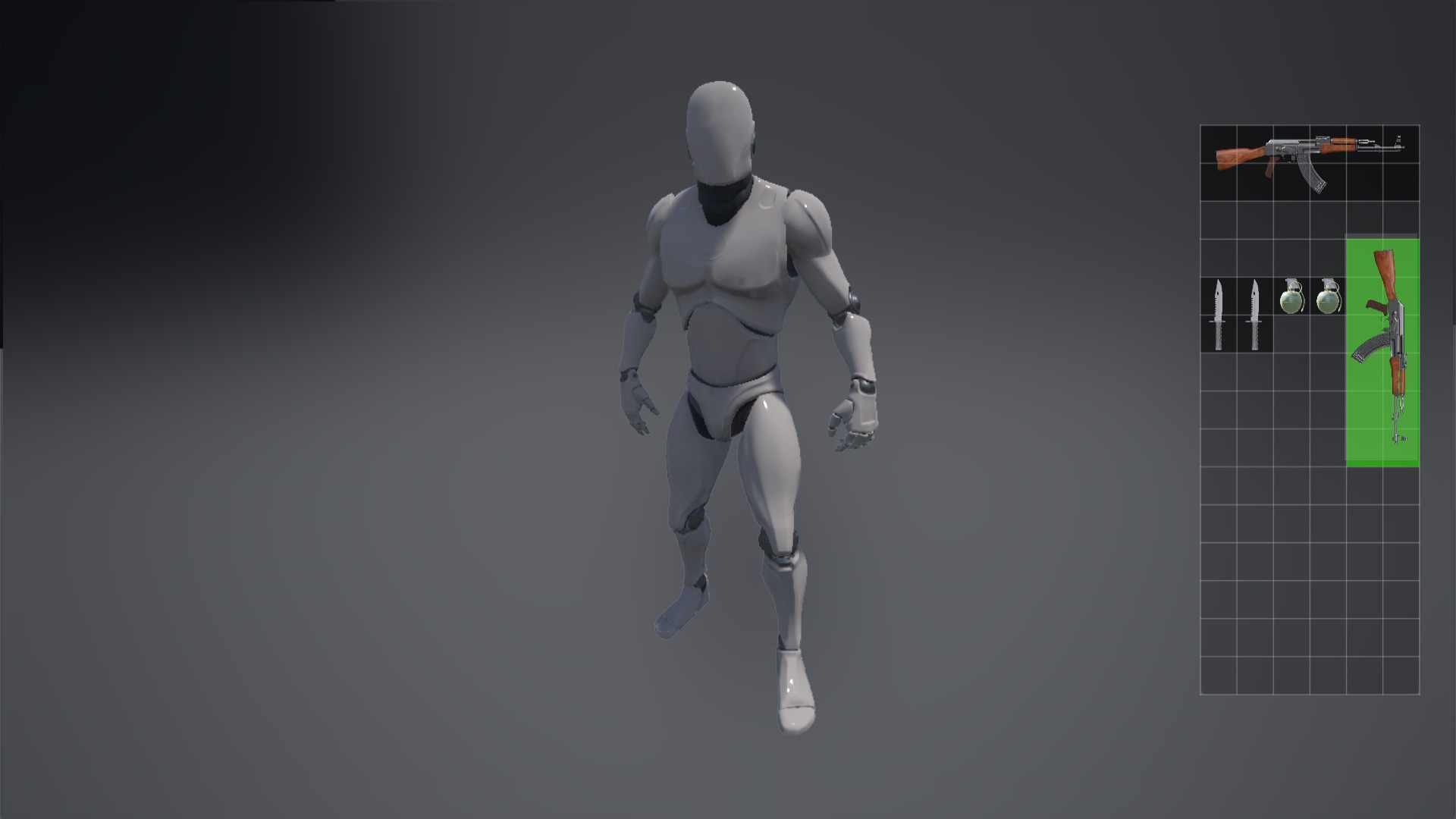
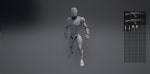
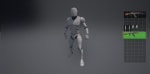
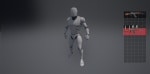
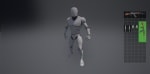
This system allows seamless drag-and-drop functionality for placing items in your inventory. Easily position items anywhere with a visual cue – red indicates an item is under another, while green signals a suitable placement. Set your preferred keybindings to rotate icons effortlessly. With the flexibility to add numerous icons and adjust grid size, you have the power to expand or shrink the grid, defining the number of squares each icon occupies. Elevate your game's inventory management with this versatile and intuitive solution.
Technical Details
Features:
- Inventory System
- Grid Inventory
- 3D Widget Player Character On Inventory
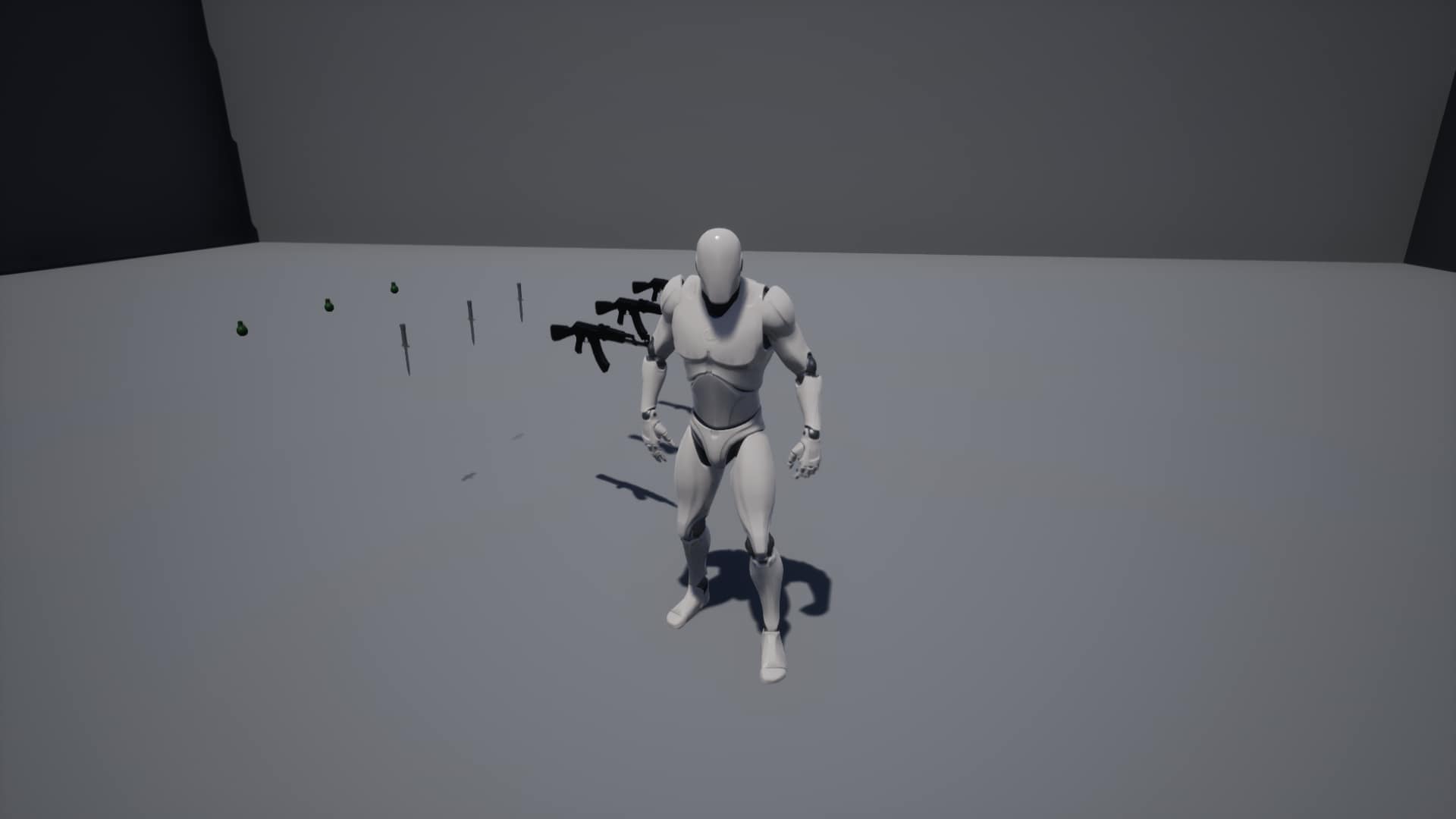
- Pick Up System
- Drag and Drop System
- Rotate
- Choose where you want the guns
- Red and Green Cue System
- And More
Number of Blueprints: 7
Input: Keyboard, Mouse
Network Replicated: No
Supported Development Platforms:
Windows: Yes
Mac: Yes
Documentation: Documentation